

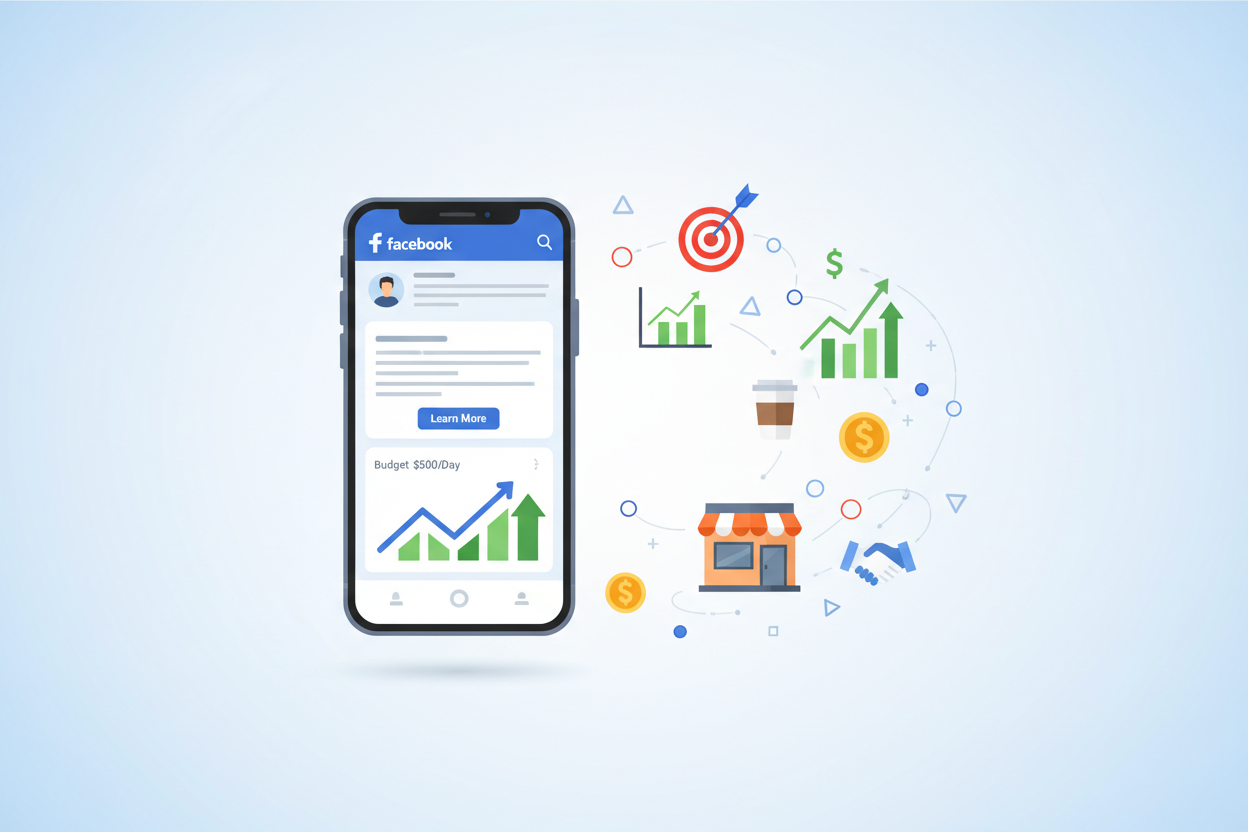
The Complete Guide to Facebook Ads for Small Businesses: Your Path to Digital Marketing Success 🚀
Table of Contents
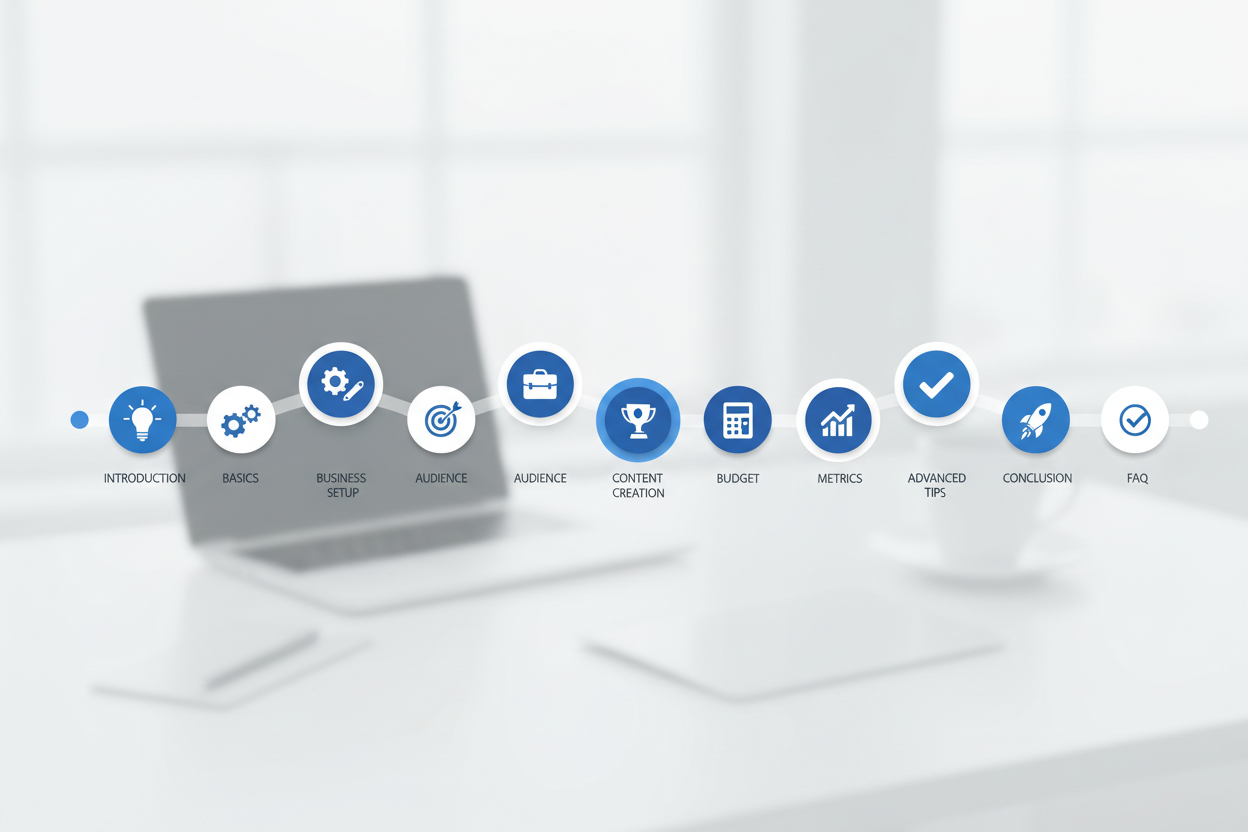
1. Introduction: Why Facebook Ads Matter for Small Businesses
2. Understanding Facebook Ads Basics
3. Setting Up Your Facebook Business Manager
4. Defining Your Target Audience
5. Creating Compelling Ad Content
6. Choosing the Right Campaign Objectives
7. Budget Management and Bidding Strategies
8. Measuring Success: Key Metrics to Track
9. Common Mistakes to Avoid
10. Advanced Tips for Better Results
11. Conclusion
12. Frequently Asked Questions
Introduction: Why Facebook Ads Matter for Small Businesses 📱
Let’s face it – running a small business in today’s digital world can feel overwhelming. You’re juggling everything from inventory management to customer service, and now you need to master digital marketing too? I get it. But here’s the thing: Facebook advertising isn’t just another marketing channel you should consider – it’s become essential for small business growth.
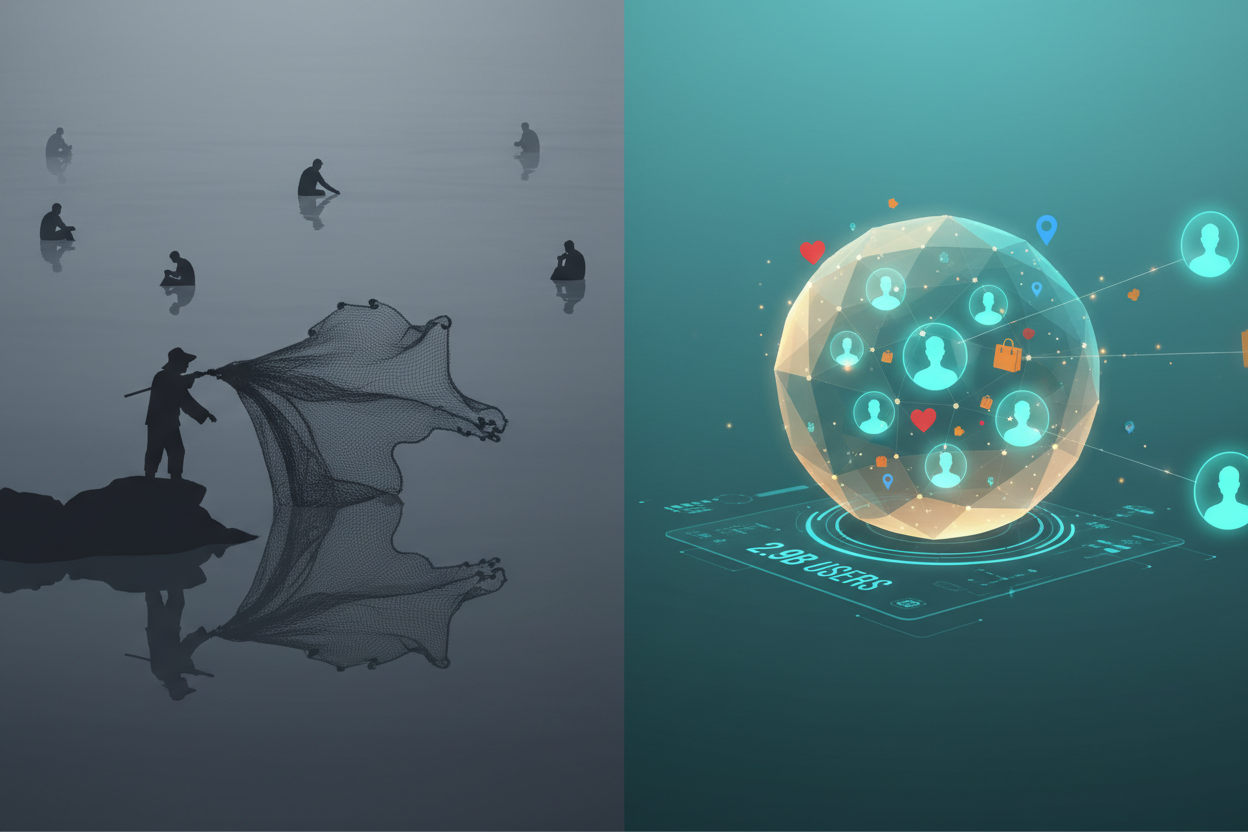
With over 2.9 billion monthly active users, Facebook offers an unprecedented opportunity to reach your ideal customers exactly where they spend their time. Unlike traditional advertising methods that cast a wide net and hope for the best, Facebook ads allow you to target people based on their interests, behaviors, location, and even life events. It’s like having a crystal ball that shows you exactly who wants to buy your products or services.
What makes Facebook ads particularly attractive for small businesses is their accessibility. You don’t need a massive marketing budget or a team of specialists to get started. With as little as $5 per day, you can begin reaching potential customers and growing your business. This guide will walk you through everything you need to know to launch successful Facebook ad campaigns that drive real results.
Understanding Facebook Ads Basics 🎯
Before diving into campaign creation, it’s crucial to understand how Facebook’s advertising ecosystem works. Facebook ads appear in various locations across the platform, including users’ news feeds, stories, the right sidebar, and even on Instagram (which Facebook owns).
The beauty of Facebook’s advertising platform lies in its sophisticated targeting capabilities. The platform collects vast amounts of data about user behavior, interests, and demographics, allowing you to reach people who are most likely to be interested in your business. This isn’t just guesswork – it’s data-driven marketing at its finest.
Facebook uses an auction system to determine which ads get shown to users. Don’t worry – this doesn’t mean you need the highest budget to win. Facebook considers three main factors: your bid amount, the estimated action rate (how likely users are to engage with your ad), and the ad quality and relevance. This means that well-crafted, relevant ads can outperform higher-budget competitors.
Setting Up Your Facebook Business Manager 🏢
Think of Facebook Business Manager as your command center for all advertising activities. It’s a free platform that helps you organize and manage your Facebook marketing efforts in one place. Setting this up correctly from the start will save you countless headaches later.
To get started, visit business.facebook.com and create your Business Manager account. You’ll need to provide basic information about your business, including your business name, your name, and your business email address. Once you’ve created your account, you’ll need to add your Facebook page and connect your payment method.
Here’s where many small business owners make their first mistake: they try to run ads directly from their personal Facebook account. While this might seem simpler, using Business Manager provides better organization, more detailed analytics, and the ability to grant access to team members or marketing agencies without sharing personal login credentials.
After setting up Business Manager, install the Facebook Pixel on your website. This small piece of code tracks visitor behavior and helps you create more effective ads by showing you which pages people visit, what actions they take, and whether they make purchases. It’s like having a detective that follows your website visitors and reports back with valuable insights.
Defining Your Target Audience 👥
This is where Facebook advertising truly shines, and frankly, where most small businesses either succeed or fail. Your target audience isn’t “everyone who might be interested in my product” – it’s a specific group of people who are most likely to become paying customers.
Start by creating detailed buyer personas. Who is your ideal customer? What are their demographics, interests, and pain points? For example, if you run a local yoga studio, your target audience might be women aged 25-45 in your city who are interested in wellness, mindfulness, and fitness. But don’t stop there – dig deeper. Are they busy professionals looking for stress relief? New moms wanting to get back in shape? Each group would respond to different messaging.
Facebook offers three main targeting options: demographic targeting (age, gender, location, education), interest targeting (pages they like, activities they engage in), and behavioral targeting (purchase behavior, device usage, travel patterns). The key is finding the sweet spot where these categories overlap to create your ideal audience.
One powerful feature that many small businesses overlook is Custom Audiences. You can upload your existing customer email list to Facebook, and the platform will find those users and create a “lookalike audience” of people with similar characteristics. It’s like cloning your best customers and finding more people just like them.
Creating Compelling Ad Content 📝
Now comes the creative part – crafting ads that stop people mid-scroll and compel them to take action. Your ad content needs to accomplish three things: grab attention, communicate value, and inspire action. Sounds simple, right? Well, it takes practice to master.
Let’s start with visuals because they’re the first thing people notice. High-quality images or videos are non-negotiable. Blurry photos or generic stock images will make your business look unprofessional. Instead, use authentic images that showcase your products or services in action. If you’re a restaurant, show mouth-watering food shots. If you’re a fitness coach, show real transformations or workout sessions.
Your ad copy should speak directly to your audience’s needs and desires. Instead of saying “We sell the best coffee in town,” try “Start your morning right with locally-roasted coffee that actually tastes as good as it smells ☕.” Notice how the second version creates a sensory experience and focuses on the customer’s benefit?
Don’t forget about your call-to-action (CTA). This small but mighty button tells people exactly what you want them to do next. “Learn More” is safe but vague. “Shop Now,” “Book Appointment,” or “Get Your Free Quote” are much more specific and action-oriented.
Choosing the Right Campaign Objectives 🎪
Facebook offers numerous campaign objectives, and choosing the right one is crucial for success. Think of objectives as telling Facebook what you want to achieve, so the platform can optimize your ad delivery accordingly.
For small businesses just starting out, I recommend focusing on three main objectives: Traffic (to drive people to your website), Conversions (to encourage specific actions like purchases or sign-ups), and Lead Generation (to collect contact information from potential customers).
If you’re a new business trying to build brand awareness, you might start with a Traffic campaign to get people familiar with your website and offerings. Once you have the Facebook Pixel collecting data and understand your audience better, you can switch to Conversions campaigns for better results.
Here’s a pro tip: avoid the “Boost Post” button on your Facebook page. While it’s tempting because it’s so easy, boosted posts offer limited targeting options and fewer optimization features compared to proper ad campaigns created through Ads Manager.
Budget Management and Bidding Strategies 💰
One of the biggest advantages of Facebook advertising for small businesses is budget flexibility. You can start with as little as $5 per day and scale up as you see results. But how do you determine the right budget for your business?
Start by calculating your customer lifetime value (CLV) – how much profit you make from an average customer over their entire relationship with your business. If your CLV is $100, you can afford to spend up to that amount to acquire a new customer and still break even. In reality, you’ll want to spend much less to maintain profitability.
I recommend starting with a daily budget of $10-20 per ad set for testing purposes. This gives Facebook enough data to optimize your campaigns while keeping costs manageable. Once you identify winning ads, you can increase the budget gradually – never more than 20% at a time to avoid disrupting Facebook’s algorithm.
For bidding strategies, stick with automatic bidding when you’re starting out. Facebook’s algorithm is sophisticated enough to optimize your bids for the best results. As you gain experience and data, you can experiment with manual bidding for more control.
Measuring Success: Key Metrics to Track 📊
Running Facebook ads without tracking the right metrics is like driving with your eyes closed. You need to know what’s working, what isn’t, and how to improve your results over time.
The most important metric for any business is Return on Ad Spend (ROAS). This tells you how much revenue you generate for every dollar spent on advertising. A ROAS of 3:1 means you make $3 for every $1 spent on ads. While the ideal ROAS varies by industry, most small businesses should aim for at least 3:1 to maintain healthy profit margins.
Other crucial metrics include Cost Per Click (CPC), Click-Through Rate (CTR), and Conversion Rate. A high CTR indicates that your ad resonates with your audience, while a low conversion rate might suggest issues with your landing page or offer.
Don’t get caught up in vanity metrics like likes, shares, or comments unless they directly contribute to your business goals. While engagement is nice, it doesn’t pay the bills. Focus on metrics that tie directly to revenue and business growth.
Common Mistakes to Avoid ⚠️
After helping dozens of small businesses with their Facebook advertising, I’ve noticed the same mistakes happening repeatedly. Learning from these common pitfalls can save you time, money, and frustration.
The biggest mistake is targeting too broad an audience. I’ve seen businesses target “all adults in the United States interested in shopping.” With an audience that large, your ads will be shown to people who have no interest in your specific products or services. Start narrow and expand gradually based on performance data.
Another common error is changing campaigns too frequently. Facebook’s algorithm needs time to learn and optimize your ads. Give each campaign at least 3-7 days to gather data before making significant changes. Constantly tweaking your ads prevents the algorithm from finding the best audience for your business.
Many small business owners also make the mistake of sending traffic directly to their homepage instead of creating dedicated landing pages. Your homepage serves many purposes, but converting ad traffic isn’t one of them. Create specific landing pages that match your ad messaging and guide visitors toward a single, clear action.
Advanced Tips for Better Results 🔥
Once you’ve mastered the basics, these advanced strategies can help you squeeze even better performance from your Facebook ad campaigns.
Retargeting is incredibly powerful for small businesses. Create custom audiences of people who visited your website but didn’t make a purchase, then show them ads with special offers or reminders about the products they viewed. These warm audiences typically convert at much higher rates than cold traffic.
Video ads consistently outperform static images, especially for mobile users. You don’t need Hollywood production values – simple videos shot on your smartphone can be highly effective. Show your products in action, share customer testimonials, or give behind-the-scenes glimpses of your business.
A/B testing should become your best friend. Test different images, headlines, ad copy, and audiences to see what resonates best with your target market. Even small improvements in performance can significantly impact your bottom line over time.
Conclusion: Your Facebook Advertising Journey Starts Now 🌟
Facebook advertising might seem intimidating at first, but it’s one of the most powerful tools available to small businesses today. The platform’s sophisticated targeting capabilities, flexible budgeting options, and detailed analytics make it possible for businesses of any size to compete effectively in the digital marketplace.
Remember, success with Facebook ads doesn’t happen overnight. It requires patience, testing, and continuous optimization. Start small, focus on your ideal customers, create compelling content, and always track your results. Most importantly, don’t be afraid to experiment and learn from your mistakes.
The businesses that succeed with Facebook advertising are those that treat it as a long-term investment in their growth, not a quick fix for immediate sales. With the strategies outlined in this guide, you have everything you need to start building profitable Facebook ad campaigns that drive real results for your small business.
Take action today – set up your Business Manager account, define your target audience, and launch your first campaign. Your future customers are waiting to discover your business, and Facebook ads can help you reach them more effectively than ever before.
Frequently Asked Questions 🤔
Q: How much should I spend on Facebook ads as a small business?
A: Start with $10-20 per day for testing purposes. This gives Facebook enough data to optimize while keeping costs manageable. Scale up gradually as you see positive results, but never increase budgets by more than 20% at a time.
Q: How long does it take to see results from Facebook ads?
A: You might see initial results within 24-48 hours, but give campaigns at least 3-7 days to gather meaningful data. Facebook’s algorithm needs time to learn and optimize your ad delivery for better performance.
Q: Should I target a broad or narrow audience?
A: Start narrow and expand gradually. A highly targeted audience of 50,000-200,000 people often performs better than a broad audience of millions. You can always expand successful campaigns to reach more people.
Q: What’s the difference between boosting a post and creating an ad campaign?
A: Boosted posts are simplified ads with limited targeting and optimization options. Proper ad campaigns created through Ads Manager offer more targeting options, better analytics, and superior optimization capabilities.
Q: Do I need professional photos for my Facebook ads?
A: While professional photos can help, authentic, high-quality images often perform better than generic stock photos. Use clear, well-lit images that showcase your products or services in action. Smartphone cameras can produce excellent results with good lighting.
Q: How do I know if my Facebook ads are working?
A: Focus on metrics that tie directly to your business goals, especially Return on Ad Spend (ROAS). A ROAS of 3:1 or higher is generally considered successful for most small businesses. Also track conversion rates, cost per acquisition, and overall revenue generated from ads.


