

The Complete Guide to Google Ads for Traffic Generation: Master Paid Search in 2024 🚀
Are you tired of waiting months for organic traffic to trickle in? Google Ads might just be your secret weapon for instant visibility and targeted traffic generation. As someone who’s managed countless campaigns over the years, I can tell you that Google Ads remains one of the most powerful tools for driving quality traffic to your website – when done right.
In this comprehensive guide, we’ll dive deep into everything you need to know about leveraging Google Ads for maximum traffic generation. Whether you’re a complete beginner or looking to optimize your existing campaigns, this roadmap will help you navigate the complex world of paid search advertising.
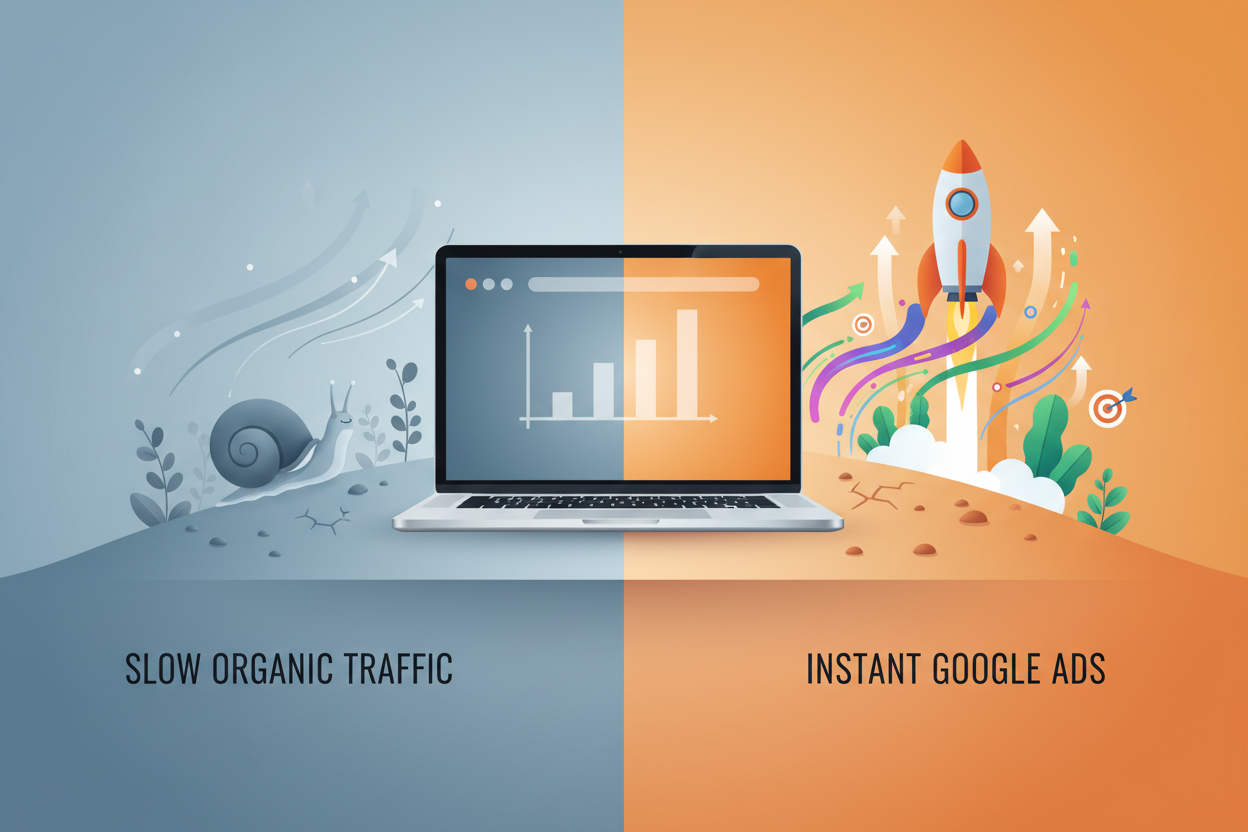
Table of Contents 📋
• Understanding Google Ads Fundamentals
• Setting Up Your First Google Ads Campaign
• Keyword Research and Selection Strategies
• Creating High-Converting Ad Copy
• Optimizing Landing Pages for Better Results
• Budget Management and Bidding Strategies
• Campaign Optimization Techniques
• Measuring Success: Key Metrics to Track
• Common Mistakes to Avoid
• Advanced Google Ads Strategies
• Frequently Asked Questions
Understanding Google Ads Fundamentals 🎯
Google Ads, formerly known as Google AdWords, is Google’s pay-per-click (PPC) advertising platform that allows businesses to display ads on Google’s search results pages and partner websites. The beauty of Google Ads lies in its intent-based targeting – you’re reaching people actively searching for products or services like yours.
The platform operates on an auction system where advertisers bid on keywords relevant to their business. When someone searches for those keywords, Google runs an instant auction to determine which ads appear and in what order. This isn’t just about who bids the highest; Google also considers ad quality, relevance, and expected click-through rates.
What makes Google Ads particularly effective for traffic generation is its immediate impact. Unlike SEO, which can take months to show results, a well-optimized Google Ads campaign can start driving targeted traffic within hours of launch.
Setting Up Your First Google Ads Campaign 🔧
Creating your first Google Ads campaign doesn’t have to be overwhelming. Start by defining clear objectives – are you looking to increase website visits, generate leads, or drive sales? This clarity will guide every decision you make throughout the setup process.
Begin with a Search campaign, as it’s the most straightforward for beginners and highly effective for traffic generation. Choose your campaign settings carefully, including your target geographic locations, languages, and ad scheduling. Don’t make the rookie mistake of targeting too broadly – it’s better to start narrow and expand based on performance data.
Your campaign structure should be logical and organized. Create ad groups around tightly themed keywords, with each ad group containing 10-20 related keywords maximum. This organization helps improve your Quality Score and makes campaign management much easier as you scale.
Keyword Research and Selection Strategies 🔍
Effective keyword research is the foundation of successful Google Ads traffic generation. Start with Google’s Keyword Planner tool, but don’t stop there. Analyze your competitors’ ads, explore related searches on Google, and consider the customer journey when selecting keywords.
Focus on a mix of keyword match types. Exact match keywords give you precise control but limited reach, while broad match keywords cast a wider net but require careful monitoring. Phrase match often provides the sweet spot between control and reach for most campaigns.
Long-tail keywords might have lower search volumes, but they often convert better and cost less per click. A keyword like “best organic dog food for puppies” is more specific and likely to attract qualified traffic than just “dog food.”
Don’t forget about negative keywords – they’re just as important as your target keywords. Adding negative keywords prevents your ads from showing for irrelevant searches, improving your click-through rate and reducing wasted spend.
Creating High-Converting Ad Copy ✍️
Your ad copy is your first impression, and in the world of Google Ads, you have limited characters to make it count. Successful ad copy speaks directly to the searcher’s intent and clearly communicates your value proposition.
Include your target keyword in the headline when possible – it helps with relevance and makes your ad more likely to catch the searcher’s attention. Use emotional triggers and action-oriented language. Instead of “We sell shoes,” try “Find Your Perfect Fit – Shop Premium Shoes Today!”
Highlight what makes you different. Do you offer free shipping? 24/7 customer support? A money-back guarantee? These unique selling points can be the deciding factor between your ad and a competitor’s.
Always include a clear call-to-action (CTA). Tell people exactly what you want them to do: “Shop Now,” “Get Free Quote,” or “Download Today.” Vague CTAs like “Learn More” often underperform more specific alternatives.
Optimizing Landing Pages for Better Results 🎨
Driving traffic is only half the battle – what happens after someone clicks your ad is equally important. Your landing page should deliver on the promise made in your ad copy. If your ad promotes “50% off running shoes,” your landing page better showcase discounted running shoes prominently.
Page loading speed is crucial for both user experience and Google’s Quality Score. A slow-loading page will hurt your ad performance and waste your budget. Aim for loading times under three seconds, and optimize images and code accordingly.
Keep your landing page design clean and focused. Remove navigation menus that might distract visitors from your primary conversion goal. Use clear headlines, bullet points for easy scanning, and prominent contact forms or purchase buttons.
Mobile optimization isn’t optional – it’s essential. With over 60% of Google searches happening on mobile devices, your landing pages must provide an excellent mobile experience.
Budget Management and Bidding Strategies 💰
Smart budget management can make or break your Google Ads success. Start with a conservative daily budget that allows you to gather performance data without breaking the bank. A good rule of thumb is to set a daily budget that’s 10-20 times your target cost-per-click.
For beginners, I recommend starting with Manual CPC bidding to maintain control over your costs while learning how the platform works. As you gain experience and data, you can experiment with automated bidding strategies like Target CPA or Maximize Clicks.
Don’t spread your budget too thin across multiple campaigns initially. It’s better to fully fund one well-optimized campaign than to underfund several campaigns that can’t compete effectively in auctions.
Monitor your budget utilization daily. If you’re consistently hitting your daily budget limits early in the day, consider increasing your budget or optimizing your bids to stretch your budget throughout the entire day.
Campaign Optimization Techniques 📈
Optimization is an ongoing process, not a one-time task. Regular monitoring and adjustment are essential for maintaining and improving your traffic generation results. Start by analyzing your search terms report to identify new keyword opportunities and negative keywords to add.
A/B testing should be continuous. Test different ad headlines, descriptions, and CTAs to see what resonates best with your audience. Even small improvements in click-through rates can significantly impact your traffic volume and cost-per-click.
Use ad extensions liberally – they increase your ad’s real estate and provide additional ways for users to interact with your business. Sitelink extensions, callout extensions, and structured snippets can all improve your ad’s visibility and click-through rate.
Geographic and demographic performance data can reveal optimization opportunities. If certain locations or age groups are performing exceptionally well, consider allocating more budget to those segments.
Measuring Success: Key Metrics to Track 📊
Traffic generation success isn’t just about clicks – it’s about quality traffic that converts. Track your click-through rate (CTR) as an indicator of ad relevance and appeal. A low CTR might indicate poor ad copy or irrelevant keyword targeting.
Cost-per-click (CPC) helps you understand your competitive position and budget efficiency. While you want to control costs, don’t sacrifice quality traffic for slightly lower CPCs.
Quality Score is Google’s rating of your keyword relevance, ad quality, and landing page experience. Higher Quality Scores typically lead to lower costs and better ad positions, making this metric crucial for long-term success.
Conversion tracking is essential for understanding which keywords and ads drive the most valuable traffic. Set up conversion tracking for key actions like form submissions, phone calls, or purchases to measure true ROI.
Common Mistakes to Avoid ⚠️
One of the biggest mistakes I see newcomers make is targeting keywords that are too broad or competitive right out of the gate. Starting with highly competitive keywords like “insurance” or “loans” will quickly drain your budget without generating quality traffic.
Ignoring mobile users is another costly error. Ensure your ads and landing pages are optimized for mobile devices, as mobile traffic often converts differently than desktop traffic.
Setting and forgetting campaigns is a recipe for wasted spend. Google Ads requires active management and optimization to maintain performance over time.
Don’t neglect your Quality Score. Poor-quality ads and landing pages will cost you more and generate less traffic than well-optimized alternatives.
Advanced Google Ads Strategies 🎓
Once you’ve mastered the basics, consider implementing advanced strategies like remarketing campaigns to re-engage previous website visitors. These campaigns often generate high-quality traffic at lower costs since you’re targeting people already familiar with your brand.
Dayparting allows you to adjust bids based on the time of day or day of the week when your ads perform best. This strategy can help you maximize traffic during peak performance periods while reducing spend during slower times.
Audience targeting can enhance your keyword targeting by layering demographic, interest, or behavioral data onto your campaigns. This approach helps you reach the most relevant prospects within your keyword targets.
Dynamic Search Ads can help you capture traffic for keywords you might have missed in your manual campaigns. These ads automatically generate headlines and landing pages based on your website content.
Conclusion 🎯
Google Ads remains one of the most effective platforms for generating targeted traffic quickly and efficiently. Success requires a strategic approach, continuous optimization, and patience to learn what works best for your specific business and audience.
Remember that Google Ads is not a “set it and forget it” solution. The most successful campaigns are those that receive regular attention, testing, and optimization. Start with the fundamentals covered in this guide, then gradually implement more advanced strategies as you gain experience and confidence.
The key to long-term success is viewing Google Ads as an investment in learning about your customers and market, not just a traffic generation tool. The insights you gain from your campaigns can inform your broader marketing strategy and help you build a more effective overall marketing mix.
Frequently Asked Questions ❓
How much should I budget for Google Ads as a beginner?
Start with a modest daily budget of $20-50 to test and learn. This allows you to gather data without significant risk while you optimize your campaigns.
How long does it take to see results from Google Ads?
You can start receiving traffic within hours of launching your campaign. However, allow 2-4 weeks to gather sufficient data for meaningful optimization decisions.
What’s a good click-through rate for Google Ads?
CTRs vary by industry, but 2-5% is generally considered good for search campaigns. Focus on improving your CTR over time rather than comparing to industry averages.
Should I hire an agency or manage Google Ads myself?
If you have the time to learn and manage campaigns actively, starting yourself can be cost-effective. Consider an agency if you lack time or need to scale quickly.
How do I know if my Google Ads are profitable?
Set up conversion tracking to measure actions that matter to your business. Calculate your customer lifetime value and ensure your cost-per-acquisition is profitable long-term.


